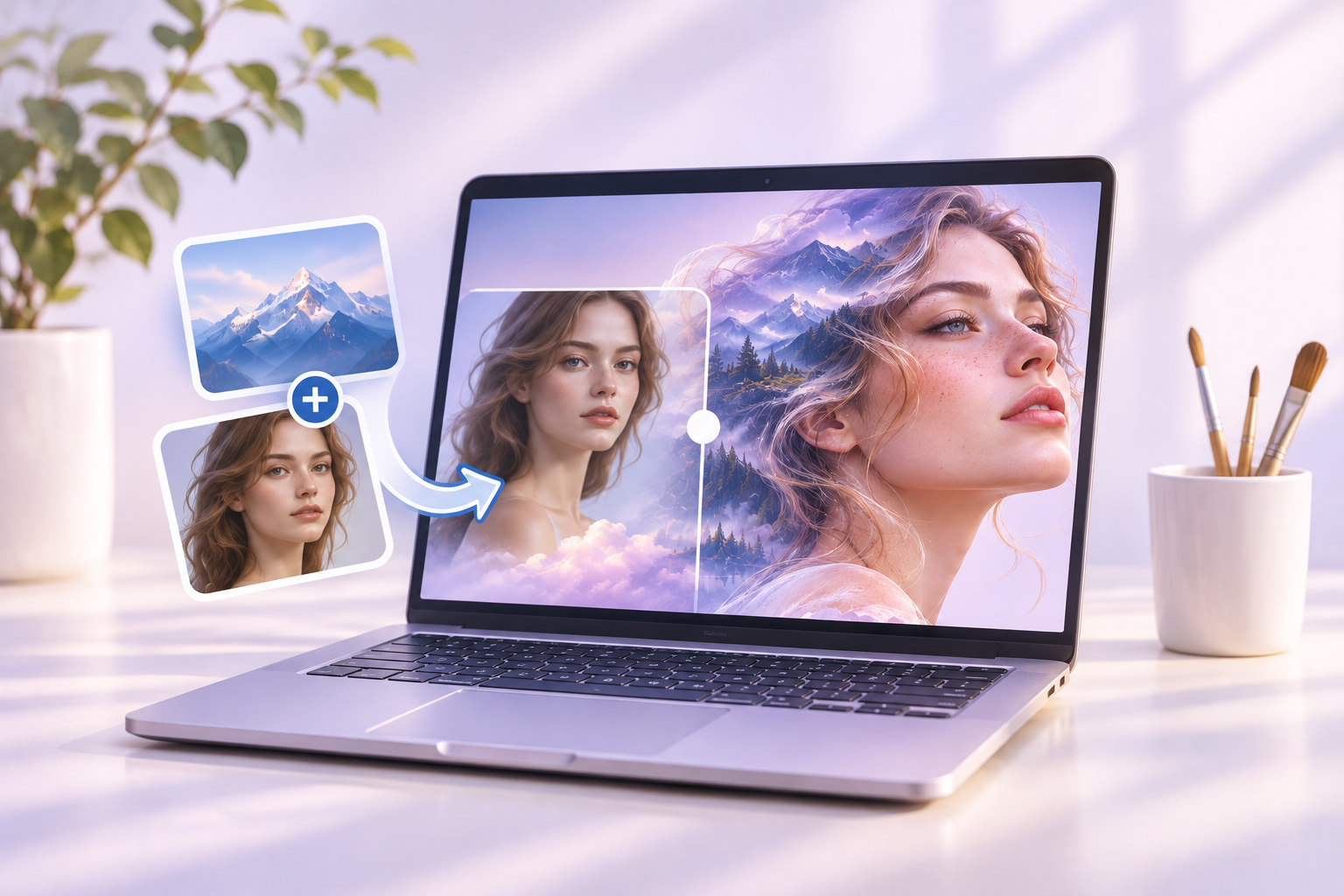
Occasionally, either personal passion or professional demands call for a creative touch, yet not everyone possesses formal training in the visual arts. Thanks to the Artbreeder artificial intelligence platform, this is no longer a barrier. This innovative tool can generate visuals from scratch, seamlessly blend colors and photographs, assemble dynamic collages, and transform artistic styles, facial structures, and much more.
Discover how to navigate this platform, the unique possibilities it unlocks, and why its output continues to astonish even individuals with zero prior experience in machine learning or digital art.
Table of Contents
- How the Artbreeder Neural Network Operates
- Core Features of Artbreeder
- Step-by-Step Guide to Using Artbreeder
- Examples of Generated Imagery
- Premium Subscription Benefits
- Final Thoughts
How the Artbreeder Neural Network Operates
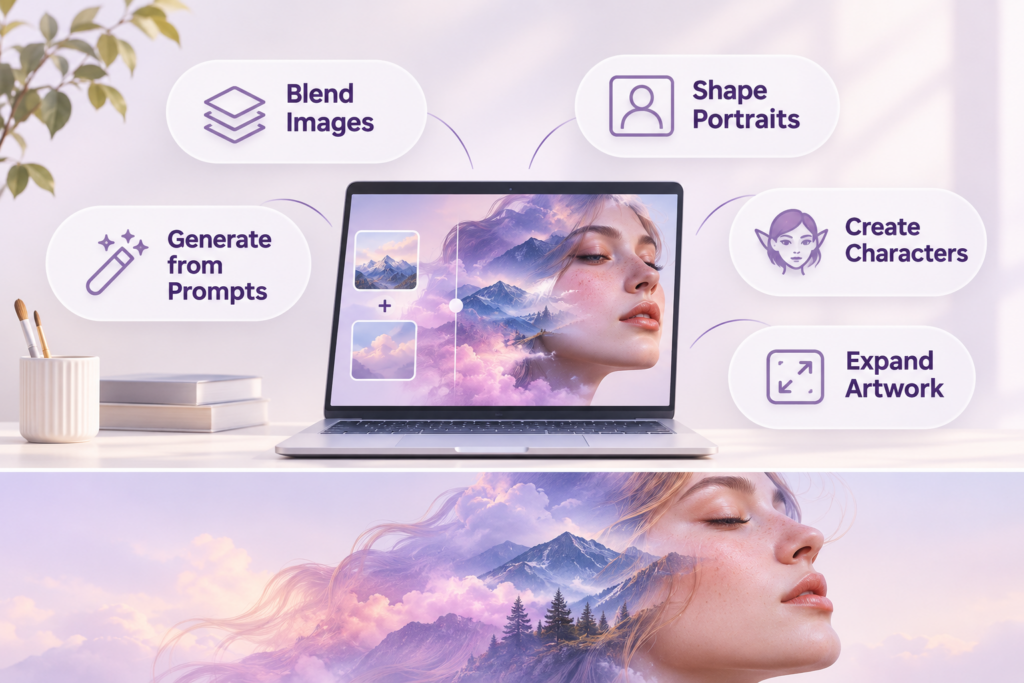
Artbreeder is an AI platform designed to help users craft portraits, landscapes, album covers, abstract pieces, and various other digital art objects. The standout feature of this AI is its ability to “crossbreed” visuals. You can merge two or more images and precisely fine-tune the final outcome.
Artbreeder is powered by two robust neural architectures: StyleGAN and BigGAN. The former generates an endless variety of random facial structures, while the latter blends them to produce smooth transitions and entirely new visuals. The developers behind Artbreeder have ensured the tool remains accessible to everyone. You will not encounter complex jargon or coding requirements—only intuitive, user-friendly controls. For instance, if you wish to age a portrait, add a smile, or swap the background, simply adjust the corresponding slider, and the image updates instantly.
Core Features of Artbreeder
This generative AI platform offers several fascinating capabilities that make the creative process both simple and highly engaging:
- Composer: The fastest and most powerful utility for blending, combining, and editing visual assets.
- Collager: Allows you to build collages by merging shapes, images, and typography. It is an excellent resource for creative projects requiring the assembly of diverse elements into a single artwork.
- Poser: A specialized tool for merging facial features with specific body poses. It is perfect for users aiming to design characters with highly specific traits.
- Prompter: Translates text descriptions into visual art. Simply type a prompt or sketch a rough idea, and the AI will render the painting. This is incredibly convenient for visualizing concepts without needing to upload source images.
- Director: An interactive tool that lets you collaborate with an AI assistant to build a painting from the ground up, utilizing various artistic styles and techniques.
- Splicer: Enables you to mix images and edit their underlying “genes.” This feature allows for the modification of specific traits to craft unique new portraits or other types of visual content.
- Outpainter: Expands any image generated within Artbreeder. This is highly useful when you need to add surrounding details or extend a canvas beyond its original boundaries.
Even if you have zero background in machine learning, generating images in Artbreeder feels incredibly intuitive. Thanks to the straightforward generator settings, you can instantly observe how specific details evolve. Consequently, you produce creative and highly professional-looking results. This makes Artbreeder an exceptional resource for anyone eager to create without diving into complicated technical intricacies.
Step-by-Step Guide to Using Artbreeder
As with any online service, you must first create an account. Navigate to the official Artbreeder website and set up your personal profile. Registration can be completed using your email address or a Google account.
Once logged in, you will land on the main dashboard. This is where you will find the primary utilities for generating and modifying visuals. Select the tool that suits your needs. For example, choose the Composer.
Within the Composer, you can manipulate existing imagery. Click on any picture in the public gallery to use it as your foundation. Alternatively, upload your own photograph if you prefer to start from scratch.
To generate something entirely new, select multiple images from the gallery and begin blending them. Simply drag the sliders to determine which source image should dominate the final composition.
When you are satisfied with the outcome, click the “Download images” button to save the artwork directly to your device.
Examples of Generated Imagery
Artbreeder unlocks a vast array of creative possibilities. Here are a few examples of what you can achieve with this AI:
- Portraits: This is one of the most popular use cases. For instance, you can merge the face of an elderly person with that of a young adult to craft a striking hybrid portrait, or easily shift an expression to appear more joyful or melancholic.
- Fantasy Characters: The neural network excels at producing not only photorealistic images but also fantastical beings. You can blend human characteristics with animal traits or mythological elements. Such visuals are perfect for comic book characters, video game assets, or book illustrations.
- Landscapes: It is effortless to generate breathtaking scenery. You can combine real-world natural views and inject elements of surrealism or high fantasy into the composition.
- Abstracts and Digital Art: The platform can produce abstract visuals that sit perfectly at the intersection of fine art and digital experimentation.
- Album Covers: Design striking portraits of musicians or futuristic landscapes that are more than worthy of being featured on music album covers.
The neural network handles these tasks brilliantly, delivering results comparable to other top-tier generators like Hotpot AI.
Premium Subscription Benefits
You can use Artbreeder for free with a standard user account. However, upgrading to a paid subscription unlocks several advanced capabilities:
- High-resolution image exports up to 2048px for superior detail.
- A private mode with strict access controls for your personal creations.
- Seamless synchronization with Google Drive for simplified image storage.
- Unlimited generation capabilities within the Composer tool.
- Accelerated image blending processing speeds in the Splicer.
Premium Subscription Benefits
You can use Artbreeder for free with a standard user account. However, upgrading to a paid subscription unlocks several advanced capabilities:
- High-resolution image exports up to 2048px for superior detail.
- A private mode with strict access controls for your personal creations.
- Seamless synchronization with Google Drive for simplified image storage.
- Unlimited generation capabilities within the Composer tool.
- Accelerated image blending processing speeds in the Splicer.